From Photo to Storybook: Choosing a Personalized Book for Your Child
Choose a clear photo, explore your child’s illustrated character, and find a story to share, with tips for previews, companions, and gifts.


In this article
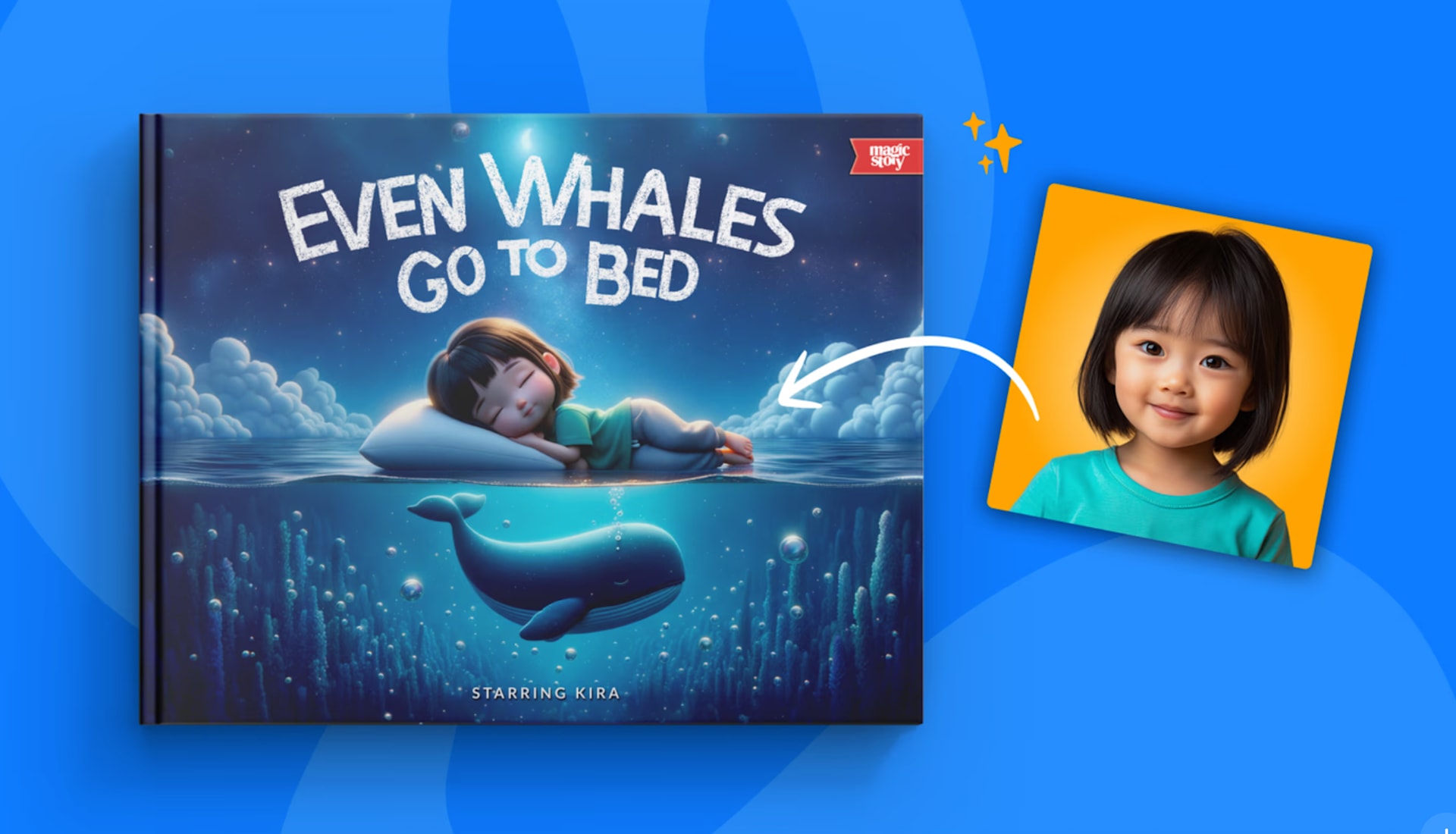
A clear photo and a story your child would enjoy are the starting points for a personalized book. Choose an adventure that fits their interests, then use the preview to explore how their illustrated character looks on the page.
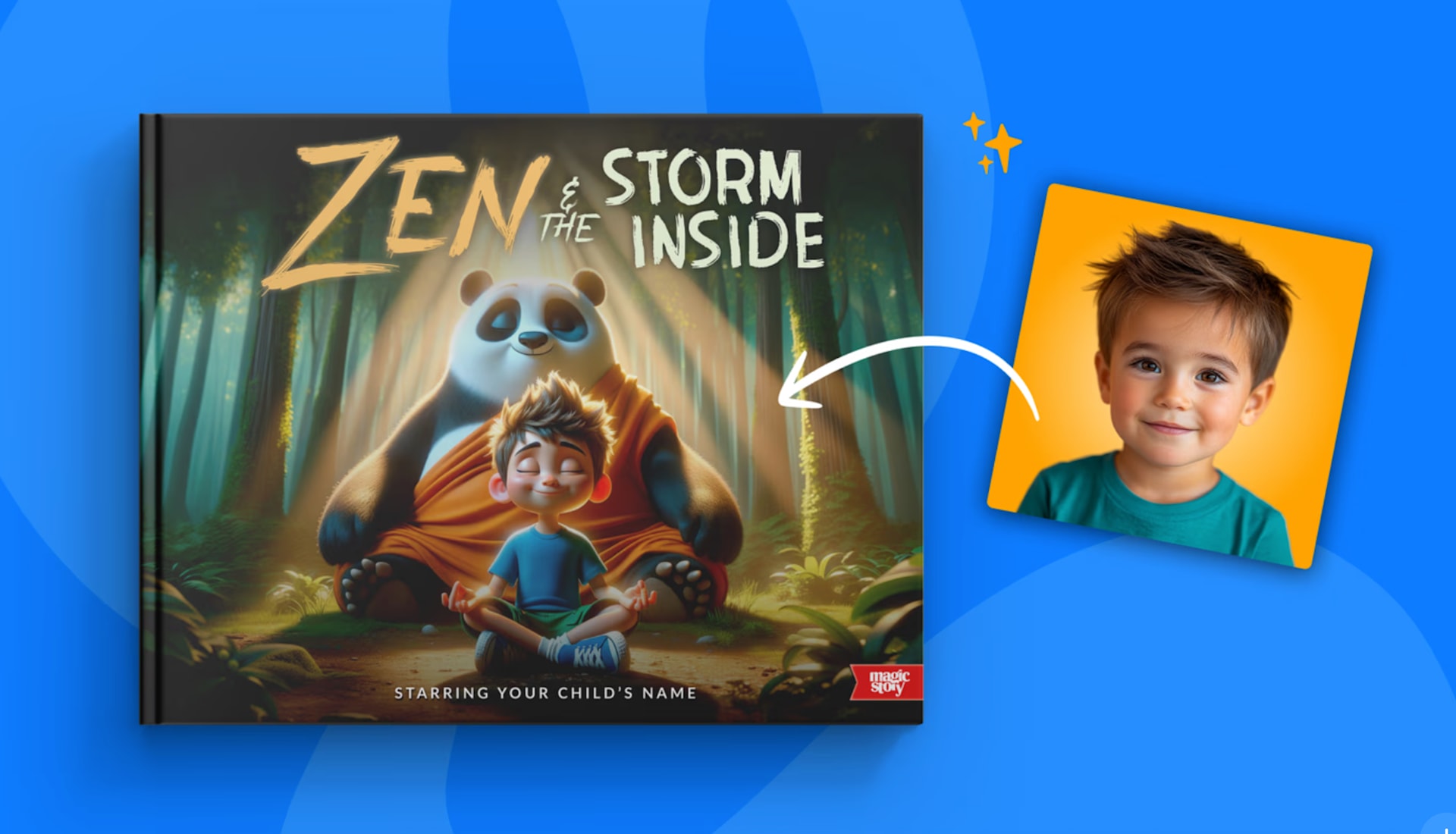
Magic Story creates an illustrated character from the photo you provide. You can review a personalized preview before purchasing and look through the selected book’s sample pages. Here is how to make those steps useful.
Choose a story the child would enjoy hearing
Start with a subject they return to. If they ask about animals, browse animal stories. If they like a particular kind of adventure, read the sample to see whether its pace and mood fit.
For example, Even Whales Go to Bed follows a child looking for an animal that never sleeps. That premise gives an animal enthusiast plenty to look for as you read together.
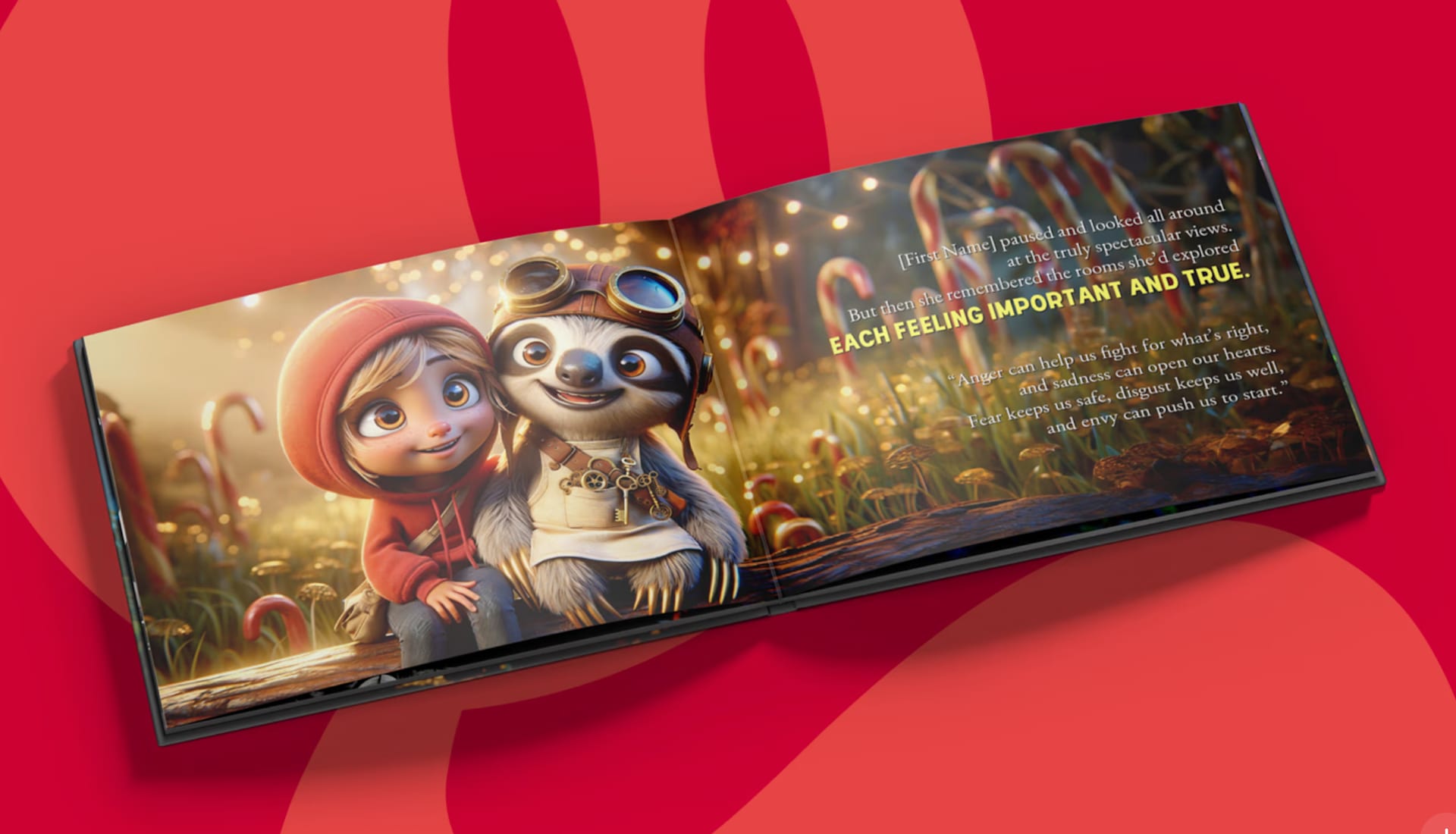
A story about feelings offers a different kind of conversation. The Emotion Emporium explores feelings through a series of rooms. You can look at a character’s expression together, or simply enjoy the adventure without stopping to explain every emotion.
Choose a clear photo with familiar details
Use a sharp image with the child looking toward the camera and their face and shoulders visible. Even light is helpful. Avoid heavy shadows, sunglasses, face filters, and another person crowding the frame.
The photo guide gives the current upload advice. A phone photo can be suitable; you do not need a professional portrait. If you are choosing between a beautiful side-profile picture and a clear front-facing picture, start with the clearer view of the face.
For a gift, ask the parent for an approved photo rather than selecting one from social media. Confirm the spelling of the child’s name at the same time. If a nickname is normally used, ask which version the family wants printed.
If an upload fails, follow the message on the screen. Try the original file rather than a screenshot, or a JPEG or PNG copy when needed. If another suitable image also fails, contact support with the error message and your device and browser.
Review the artwork as an illustration
Look for the details that make the character familiar: hair, skin tone, and facial features. Compare the illustration with your reference photo and check that the correct child and name are selected. If the likeness is wrong, use the available correction options before proceeding. Our guide to fixing a character explains the difference between trying another result, replacing the photo, and editing a saved hero.
Leave time to review the character when planning a gift. If something needs attention, you can work through the available options before placing the order.
Separate the character preview from the story sample
The free preview guide explains what is shown before purchase. You do not need a credit card to create a personalized preview. The character flow asks for an email address to save progress.
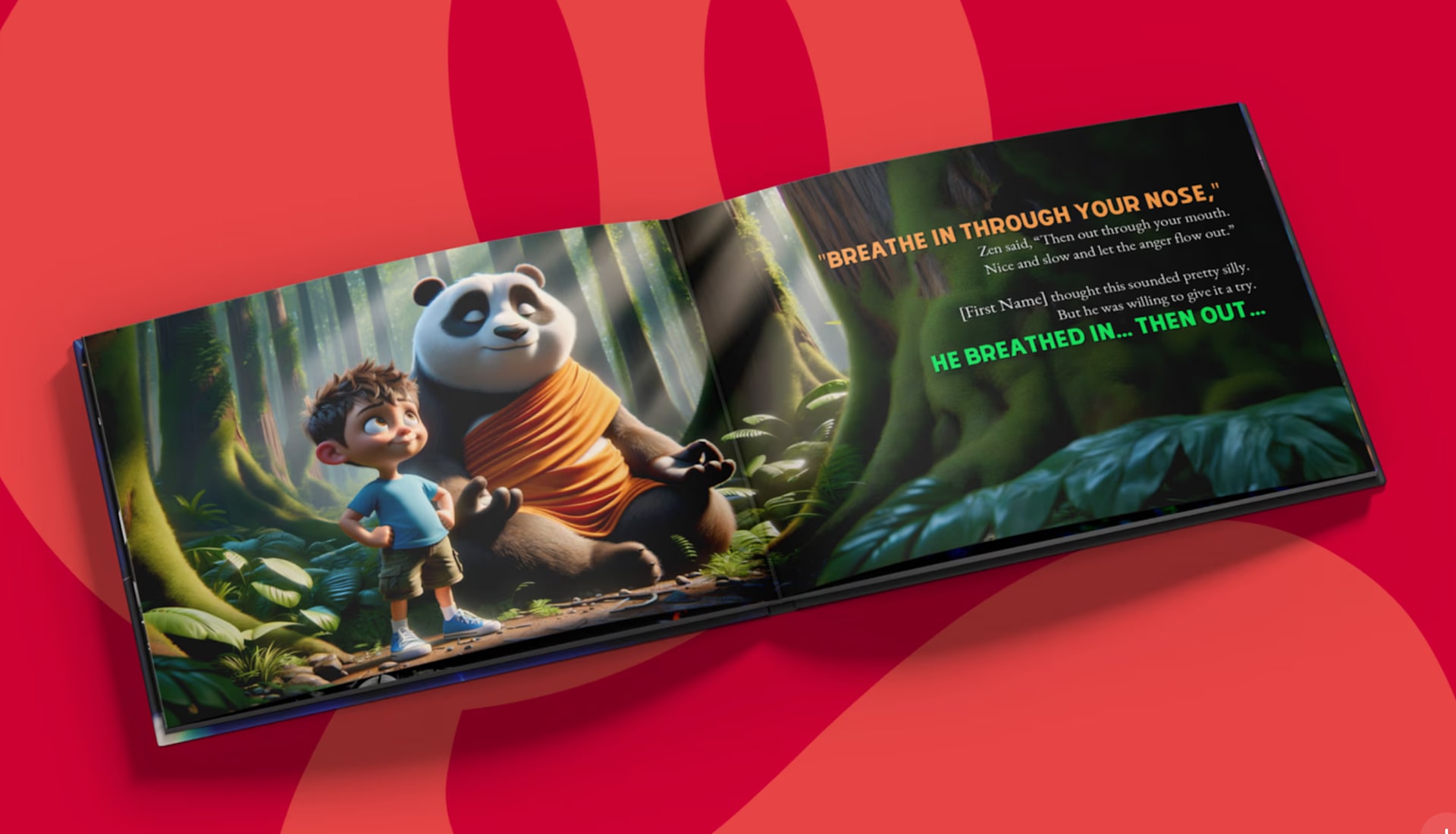
The book’s sample interiors show the writing and illustrations with a sample character. Your personalized preview shows the character created from your photo. Together, they help you explore both the story and the personal details before ordering.
Read a few pages aloud. Does the wording feel comfortable? Is the story short enough for the way you want to share it? Does any scene need a closer look because of the child’s preferences or sensitivities?
You can compare two titles without involving the child in every purchase decision. For a surprise gift, ask the parent which theme fits. For a child helping choose, offer two suitable stories and let them pick.
Check companions and other options on the selected title
Some books support an additional pet, parent, or grandparent. Check the selected title’s product page to see which companions it offers and the price for adding them.
Our parent and grandparent companion guide explains how supported titles work. Have permission and a suitable reference ready for another person you want to include. Check the final selection before checkout, especially when you have created several saved characters.
If you choose a companion, follow that book’s prompts to add their photo and details. Confirm the selected characters and any added charge in the order summary.
Prepare the order and the gift
Confirm the delivery address, the one-time or subscription option, and the total including shipping and tax. Printing and delivery take time, so check the estimate shown for the destination before promising a birthday arrival.
If you would rather let the parents choose the photo, a gift subscription sends a code they can use to set up the books. This option is currently for US delivery. Check the package terms in the gift flow.
Before submitting a child’s photo, read the current Privacy Policy. It explains photo handling, retained account content, and requests about your information. A gift buyer needs the parent or guardian’s permission to provide the child’s likeness.
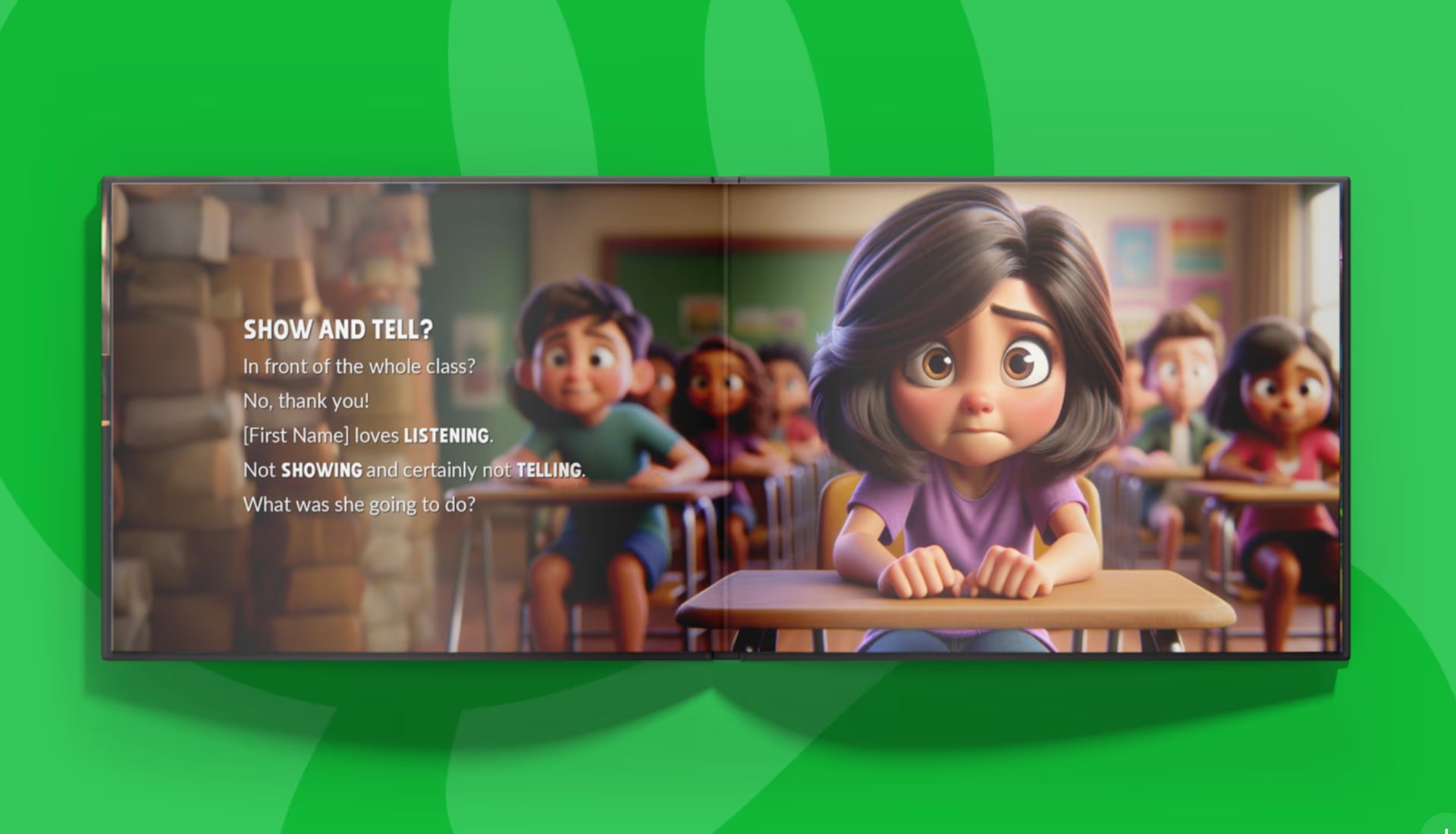
When the book arrives, add a note about why you chose it: “You told me about your school presentation, and I thought you might like this adventure.” Read together when the child is ready. They may notice their face first, or they may be more interested in an animal in the background. Both are ways to begin enjoying a book.
Sources
Questions parents ask
Do I need a professional photo?
No. A clear phone photo can work. Choose an evenly lit, front-facing image with the child’s face and shoulders visible, without other people or anything obscuring their features.
What if the illustrated character does not look right?
Review the correction options before ordering. Depending on the stage, you can try another result, replace the reference photo, or edit a saved hero’s appearance. Contact support if you cannot resolve the issue.
Can I add a grandparent or pet to every book?
No. Companion options depend on the selected title and may cost extra. Check the product page and the available personalization choices before ordering.