How to Use Magic Story’s Costume Try On
Choose a character, describe a costume, review the generated look, and explore the optional video and sharing steps in Magic Story’s Costume Try On.


In this article
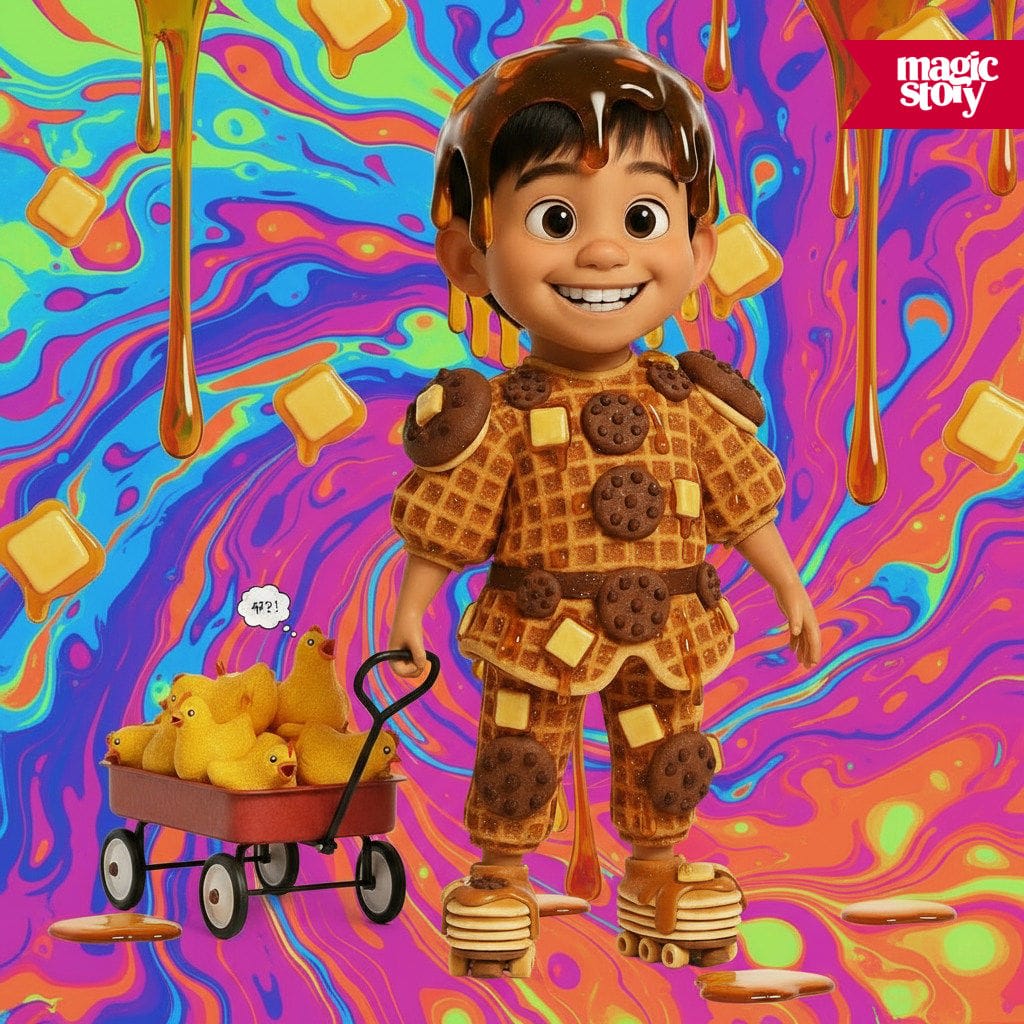
A rainbow astronaut, a tiny garden dragon, or a detective with an enormous hat: Costume Try On lets you explore a costume idea as a generated image. You can start from a character in your Magic Story account and describe the look you want.
The image is a creative interpretation. It does not show how a real costume will fit or tell you which items to buy. Use it to play with an idea, then decide what you want to do with the result.
Sign in and choose a character
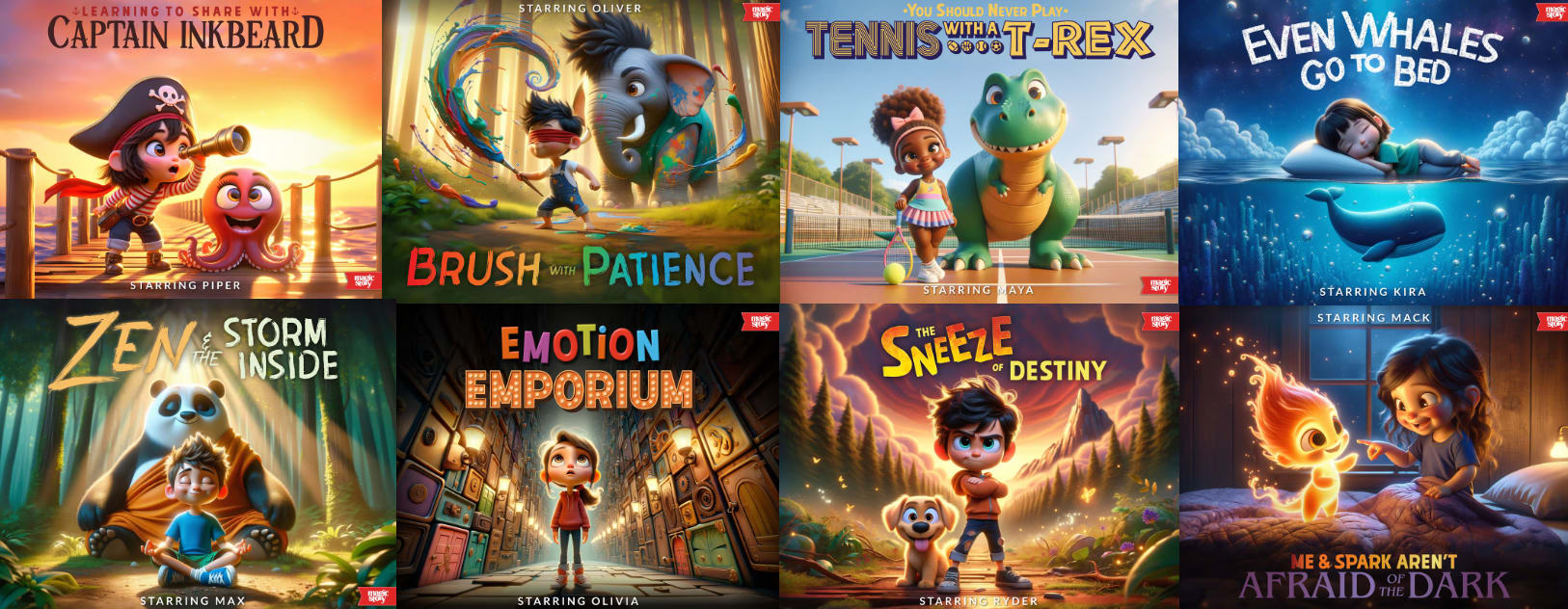
Open Costume Try On. The current flow asks you to sign in, then choose a character. You can select an existing person or follow the option to add a character.
If you are starting with a child’s photo, choose a clear, evenly lit image with the face visible. Our photo tips are a useful starting point. Have the parent or guardian’s permission before providing a child’s likeness.
Feature availability can vary by location. If the route returns you to the shop or you cannot reach the next step, use the Help Center for assistance. Do not assume that repeatedly submitting the same request will fix an access problem.
Describe one clear costume idea
Choose a starter costume, write your own description, or use Roll Dice for a suggestion. You can edit the description before creating the look.
A useful prompt names the costume and a few visible details. For example:
- “A friendly green dragon costume with soft wings and yellow spots.”
- “An astronaut in a silver suit, purple boots, and a star badge.”
- “A woodland explorer wearing a moss-green cape and carrying a small lantern.”
Start with the detail that matters most. A short request is easier to revise than a list of several competing costumes, settings, and actions.
For a child who wants to help, offer a small choice: “Should the dragon have blue wings or yellow wings?” You can type the request while they choose the creative details.
Review the look before adding more
Wait for generation to finish, then inspect the result. Look at the character’s face, the costume, and any details you specifically requested. A generated image may miss or alter part of the description.
If you want a change, make it concrete. “Keep the green costume and make the wings smaller” is more useful than “make it better.” Use the editing options shown in the flow and review the new result before moving on.
If something goes wrong, note the message on the screen. Support can use that information, along with your device and browser, to understand where the process stopped.
Decide whether to make a video
After creating the costume image, the flow offers Turn Into A Video. Follow the available video controls and review the settings before generating it. Wait for the video to finish before trying to view or download it.
Watch the whole result before deciding to share. Check the appearance, movement, and any content you entered. You can enjoy a costume image without taking the video step.
The video screen shows the available options before you generate.
Review sharing separately
You can download a finished video and share it through another app, such as Instagram. Before posting, check that app’s audience settings and decide who should be able to see it. You can also keep the download for your family.
If you are making a costume for a grandchild, agree with the parent about where the image or video may be shared. Permission to create a gift does not tell you whether the family wants it on social media.
Our Privacy Policy explains how Magic Story handles account content. Other apps have their own privacy rules, and someone who receives a shared file can copy it. Choose the audience with that in mind.
For a simple afternoon activity, you might stop at one design and ask the child what they would change in a real costume. They can sketch the next version on paper, choose a different color, or invent a name for the character. The generated picture can be the beginning of their idea.
Sources
Questions parents ask
Do I need to sign in to use Costume Try On?
Yes. The current Costume Try On flow asks you to sign in before selecting or adding a character. Feature access can vary by location.
Can I write my own costume idea?
Yes. You can choose a starter costume, edit the description, or use Roll Dice for a suggestion. Describe a costume and a few visible details, then review the generated interpretation.
Do I have to make or share a video?
No. Making a video is optional. You can download a finished video and decide whether to share it through another app. Check that app’s audience settings before posting.


